Claim Webhook
TPA Stream POSTs new claims to a customer-provided URL.
Trigger
The claim webhook fires whenever a new claim is processed in TPA Stream.
Configuring the URL
To edit the claim webhook URL, open Account Settings on the settings page.
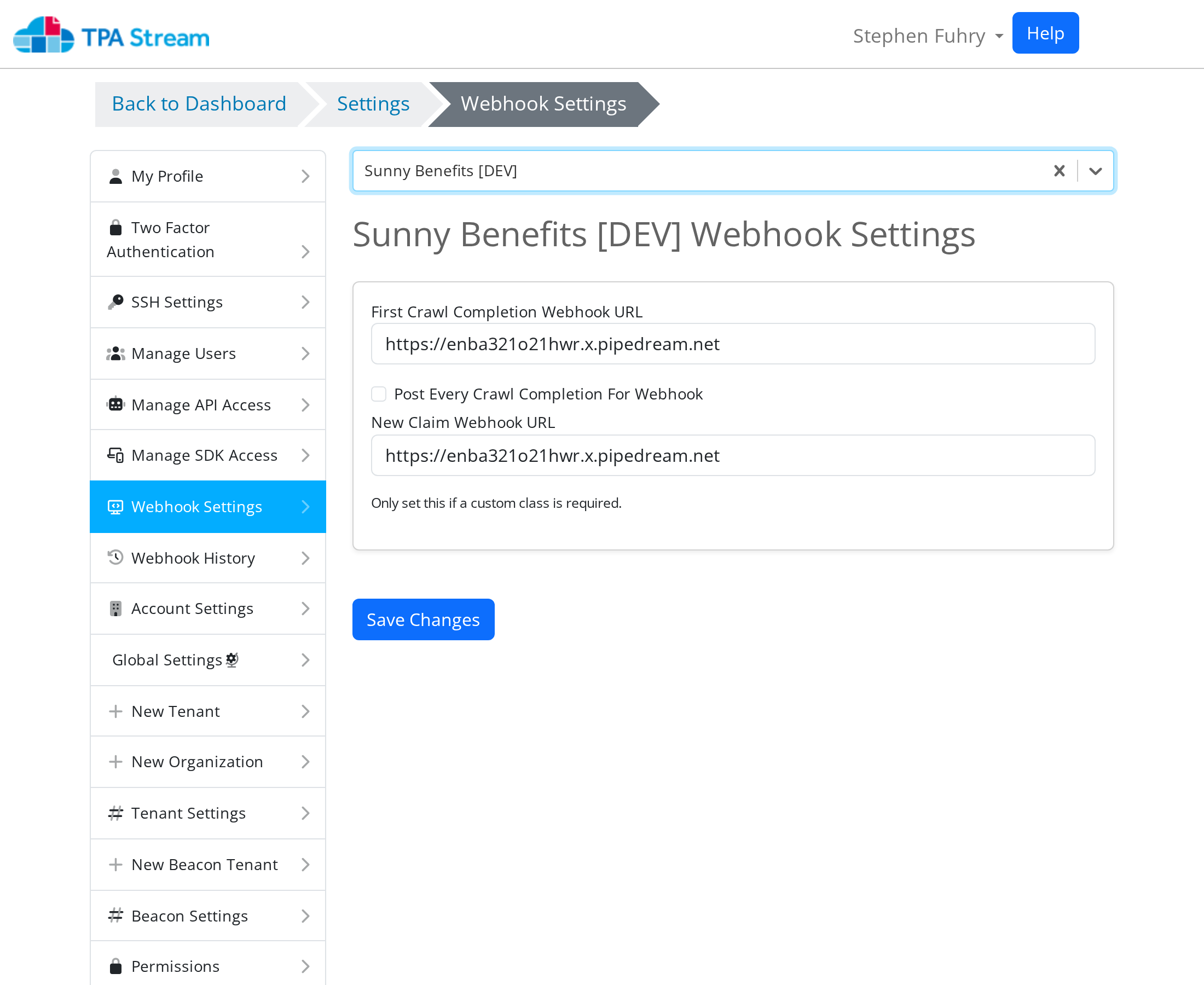
You'll only see this setting if the claim webhook feature is enabled on your account. Once the webhook URL is set, all future posts go to that URL.
Replaying a claim post
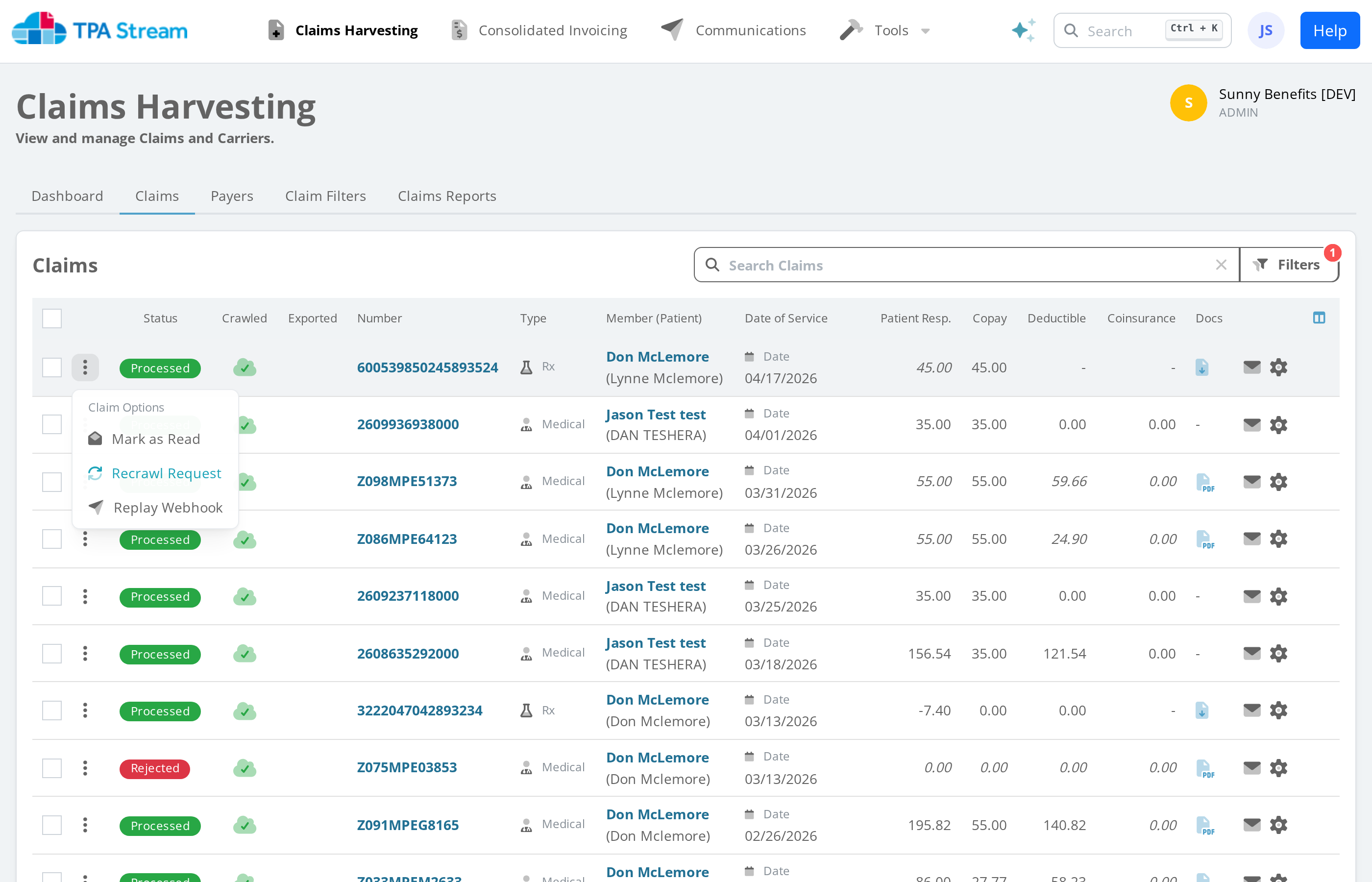
To manually replay a claim post, find the claim on the claims page and click Replay webhook. If the button isn't shown, verify that the webhook feature is enabled and a URL is set.
The replay is useful for testing, and also for triggering webhooks against pre-existing claims that were ingested before you wired up your endpoint.
Request shape
POST with Content-Type: application/json. See
Webhook Examples for the full payload
shape, and Claim Types for the values the type
field can take.
Retry behavior and 406
See Webhook Security for the full table.